
JPG · PNG · <1MB · 100% Browser
WWE2K CAW Face Texture Maker
Turn a plain front-facing photo into a properly aligned WWE2K CAW face texture. Upload, drag the face onto the landmark guide, adjust the opacity until the features line up, and export a PNG under 1MB — ready for the official 2K uploader.
Upload your image to begin
JPG, PNG or WebP — processed entirely in your browser
Manual alignment only — no AI face detection, no automatic face swap. Your photo never leaves your browser.
What a Good WWE2K CAW Face Texture Starts From
Hand-made illustrative examples. Your own results depend on the source photo and alignment.
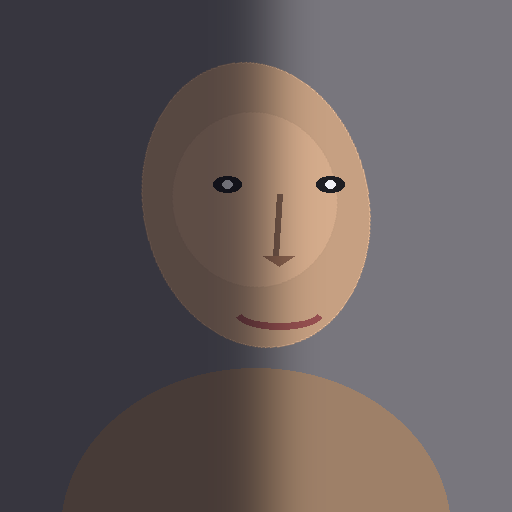
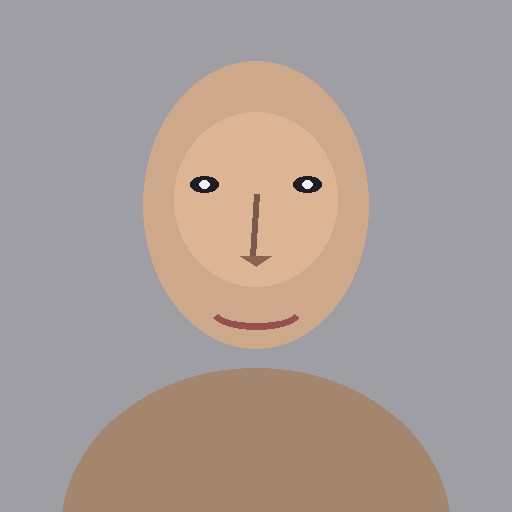
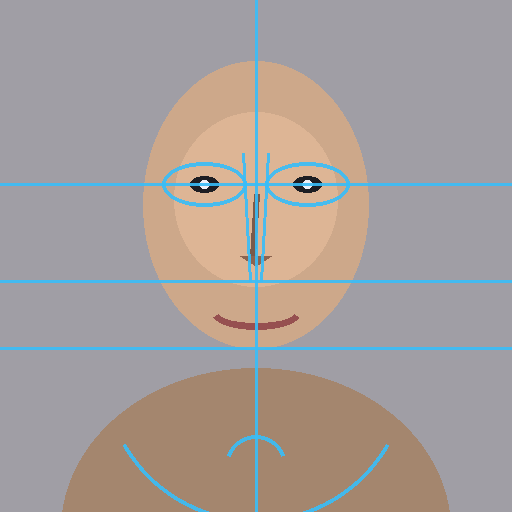
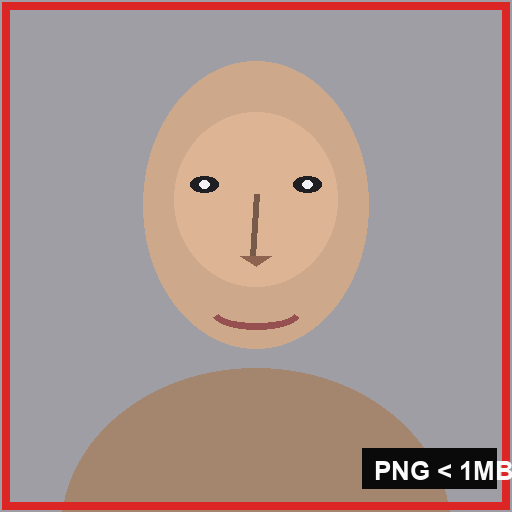
What a WWE2K CAW Face Texture Is
A WWE2K CAW face texture is the flat photo layer that wraps onto your created wrestler's head in Community Creations. When you upload a face photo through the official 2K image uploader and assign it in the CAW menu, the game stretches that square image across the 3D head model. The texture carries the skin tones, eyebrows, eyes, lips and facial hair — everything photographic about the face.
Because the game wraps the picture onto a fixed head shape, the placement of features inside the square decides whether the CAW looks human. A WWE2K CAW face texture with the eyes too high or the mouth off-center instantly looks wrong in-game, even when the photo itself is excellent. That is why alignment — not photo quality — is the core skill of making a WWE2K CAW face texture.
How to Make a WWE2K CAW Face Texture Step by Step
- 1Upload a front-facing photo — JPG, PNG or WebP, straight from your phone or camera roll.
- 2Scale and drag the face until the eyes sit on the two ellipse guides and the nose bridge follows the center line.
- 3Adjust guide opacity so you can see both the photo and the WWE2K CAW face texture reference lines at the same time.
- 4Check the mouth line and jaw arcs against the chin — the whole face should sit centered in the square.
- 5Hide the guides with one click to inspect the cropped result on its own.
- 6Export as PNG (or JPG for the smallest file) — the tool checks the 1MB limit automatically and offers repairs if needed.
- 7Download your WWE2K CAW face texture and open the official 2K uploader to send it into the game's Image Manager.
Best Source Photo for a WWE2K CAW Face Texture
A WWE2K CAW face texture is only as good as its source photo — the editor can align almost anything, but it cannot invent detail the photo never captured. Start with a picture that respects these rules:
- Head-on angle — both ears equally visible, no head tilt, camera at eye level.
- Even lighting — no strong shadows across half of the face; shadows read as bruises in-game.
- Neutral expression — a smile distorts the mouth placement and breaks the jaw guide alignment.
- Hair pulled back or trimmed — the forehead guide needs to be visible for correct vertical placement.
- Eyes open and looking at the lens — the eye ellipses anchor the entire WWE2K CAW face texture.
- High resolution — at least 1000 pixels wide, so the 1024 × 1024 export stays sharp.
How to Align Eyes, Nose and Mouth on the Face Texture Guide
Eyes: the anchor of every WWE2K CAW face texture
Set the eyes first. Drag the photo until both pupils rest inside the guide ellipses and the horizontal third line crosses the middle of the eyes. If you can only match one eye, the head is rotated — fix the source photo rather than forcing the alignment.
Nose: follow the bridge, not the tip
The two nose-bridge lines should run parallel to the bridge of the nose in the photo, meeting the nose-tip diamond just above the nostrils. When the bridge lines diverge, the face is slightly turned and the wrapped WWE2K CAW face texture will pull sideways in-game.
Mouth, jaw and chin: lock the lower third
The mouth curve sits on the second horizontal line, with the jaw arcs touching both cheeks and the chin arc closing at the bottom. Matching all three keeps the chin from stretching when the game wraps the WWE2K CAW face texture around the head model.
WWE 2K Face Texture vs Face Template
The two terms get mixed up constantly. A WWE 2K face texture is the photo you upload into the game — the finished layer that shows on the wrestler. A face template is the alignment guide you use while building that texture: the blank grid and landmark overlay you position the photo against before export.
This page makes the texture; our WWE 2K face template page gives you the downloadable blank and landmark guides for Photoshop or any other editor. Use the template when you prefer a desktop editor, use this WWE2K CAW face texture maker when you want the result in sixty seconds without installing anything.
Why a Good CAW Face Texture Can Still Look Wrong In-Game
Even a perfectly aligned WWE 2K face texture is only the photo layer. The head geometry underneath comes from the CAW face morph sliders — skull width, jaw shape, eye depth, nose length. If the morph does not approximate the real head shape, the texture stretches to fit a wrong mold and the face looks distorted.
The fix is order: texture first, morph second. Export the aligned texture, upload it, then spend your time in the CAW sliders nudging the skull toward the photo. Creators who skip the morph step blame the WWE2K CAW face texture, when the texture did exactly what it was told.
Next Step After Your WWE2K CAW Face Texture
Download the aligned PNG from the editor above, open the official 2K image uploader, sign in with your linked account and upload the file. After moderation clears it, the texture appears in-game under Community Creations → Image Manager → Incoming — assign it to your CAW's head and start the morph work.
Every WWE2K CAW face texture exported here is already square and under 1MB, so the upload step never rejects your file. If anything does go wrong, the troubleshooting page diagnoses format, size and account issues in order.
“The official 2K image uploader accepts JPG and PNG files smaller than 1 MB, uploaded through a 2K account linked to your game platform. Every tool on this site prepares files to exactly that standard.”
WWE2K CAW Face Texture FAQ
1What is a WWE2K CAW face texture?
A WWE2K CAW face texture is the square photo layer the game wraps onto a created wrestler's head. Upload it through the official 2K image uploader (JPG or PNG under 1MB) and assign it in the CAW menu.
2Does this tool detect faces automatically?
No. The maker is deliberately manual: you drag and scale your photo against a neutral landmark guide. Manual control produces a more reliable WWE2K CAW face texture than auto-detection across skin tones, glasses and hair.
3What format should a CAW face texture be?
PNG is the usual choice — a face texture WWE 2K PNG export stays pixel-sharp; keep it under 1MB. If the PNG export exceeds the limit, use Reduce dimensions or Convert to JPG in the result panel.
4What size is a WWE2K CAW face texture?
The game scales the image to the head model, so square dimensions are what matter. 1024 × 1024 is the sweet spot for sharpness while staying comfortably under the 1MB file-size rule.
5Why does my WWE2K CAW face texture look stretched in-game?
Almost always the face morph. The texture wraps onto the CAW head geometry — if the skull and jaw sliders do not match the photo's proportions, even a perfect WWE2K CAW face texture distorts. Align the texture here, then adjust the morph.
6Can I use a photo with glasses or a beard?
Yes. Align the visible eye corners and the nose bridge as usual. Heavy sunglasses are the only real problem — they hide the eye anchors every alignment depends on.
7Is my face photo uploaded anywhere?
No. Alignment, cropping and export all run in your browser. Nothing is sent to a server, and no image data is recorded.
By WWE 2K Image Uploader TeamUpdated
Related WWE 2K Creator Tools
WWE 2K Face Template
Free alignment template with a landmark guide for your WWE 2K face photo.
WWE2K26 CAW Facial Structure Chart
Interactive chart of the forehead, eyes, nose, cheeks, mouth, jaw and chin regions.
WWE 2K Image Uploader
Crop, resize and compress any image into a WWE 2K-ready JPG or PNG under 1MB.
WWE2K Image Uploader Can't Upload Images — Fix
Validate your file against the official upload rules and repair it in one click.